 CodeKitHub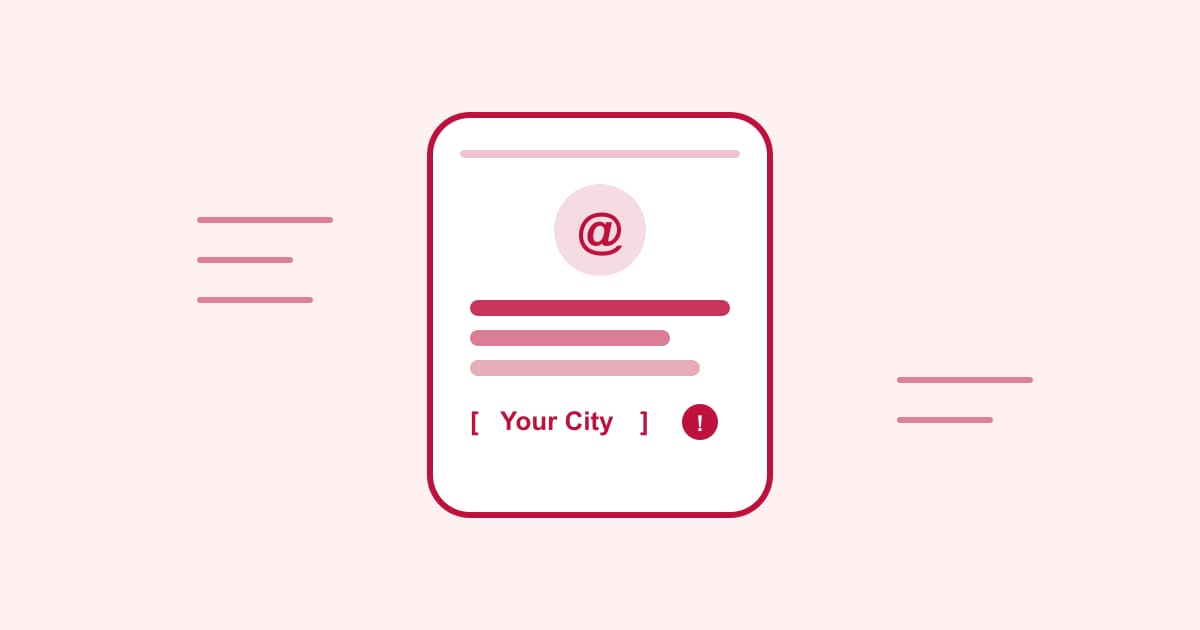
Instagram Bio Generator: Why Your Pasted Bio Looks Wrong (and How to Fix It)
Published Aug 23, 2026
If you’ve ever copied a bio from a generator, pasted it into Instagram, and watched it turn into one run-on line instead of the neat three-line layout you saw in the preview — you’re not imagining it. That’s the single most common failure mode with bio generators, and it has nothing to do with picking the “wrong” bio. It’s a copy-paste problem.
The line-break problem
Instagram’s bio field supports line breaks — that’s what gives aesthetic bios their look, with each line on its own row instead of one long sentence with emoji dividers. But a lot of generator tools build their preview with plain text nodes that don’t carry newline characters through the browser’s copy event. The preview looks like three lines. What lands on your clipboard is one line with the breaks silently stripped.
The fix on the generator side is simple but easy to skip: render the bio in an element that preserves whitespace (a <pre> tag or CSS white-space: pre-wrap, not a plain <div> or <span>), and copy the raw string with \n characters intact rather than the rendered textContent after the browser has already collapsed it. If you’re testing a bio generator and the copy button feeds you a wall of text instead of the multi-line version you saw, that’s the tell — the tool’s preview and its clipboard output are out of sync.
If you hit this with any tool: paste into a plain text editor first, not directly into Instagram’s bio field. If the line breaks are gone in the text editor too, the problem is the copy, not Instagram. If they’re intact in the text editor but vanish in Instagram, that’s a different (rarer) issue with how Instagram’s bio field itself handles paste.
The placeholder problem
The second failure is more embarrassing because it’s easy to publish without noticing: business and personal-brand style bios often use bracketed placeholders — [Your City], [Your Niche], [Your Name] — as fill-in-the-blank prompts. They read naturally in the preview because your eye skips over brackets the way it skips over Markdown syntax. Paste one straight into your bio without editing it, and 📍 [Your City] | Helping you [what you do] goes live exactly like that.
This isn’t a hypothetical — it’s why a business-style bio template is a genuinely different kind of output than a plain aesthetic or funny one. An aesthetic bio (“✨ chasing soft light & good vibes”) is meant to be copied as-is. A business bio is a fill-in-the-blank template disguised as a finished sentence, and the two need to be visually distinguishable or people will treat the second one like the first.
Before you save: re-read the pasted bio specifically looking for square brackets, not just for typos. It’s a five-second check that catches the mistake every time, and it’s the one thing spellcheck won’t flag for you.
Why these two problems are so easy to miss
Both failures share the same root cause: they’re invisible at the point where you’d normally catch them. The preview looks right. The bio reads fine at a glance. The bug only shows up after you’ve already pasted, saved, and moved on — which is exactly when you’re least likely to double-check it.
The fix for both is the same habit: paste, then read the result as if someone else wrote it, before you tap save. Not “does this look like a bio” — “does this contain any characters that shouldn’t be visible to another person.”
Quick reference
| What to check | What it catches |
|---|---|
| Paste into a plain text editor first | Line breaks stripped during copy |
Scan for literal [ and ] characters |
Unfilled template placeholders |
| Count characters against Instagram’s 150-char limit | Bios that get silently truncated |
| Re-read after pasting, not before | Both of the above, in one pass |
If you want to skip the guesswork entirely, our Instagram Bio Generator keeps line breaks intact through copy and keeps business-style templates visually separate from ready-to-use ones — but the habit above is worth having regardless of which tool you use, since the same two failure modes show up across most bio and caption generators.